
Images
Generate from text, references and past works: covers, product shots, characters, interiors, ads.
Clipia AI Studio
60+ models on a single subscription. Build it yourself in the studio, hand it to the agent or wire it up over MCP.

Serum bottle on wet graphite: cold rim light, one warm accent on the brass, water droplets, macro
Nano Banana 2 · 1600×893 · 16:9Pick the result you need — Clipia routes you to the right working mode.
Images and clips
Product shots, fashion, interiors, characters and clips from a single frame. References, precise settings and work history stay under your control in Studio.


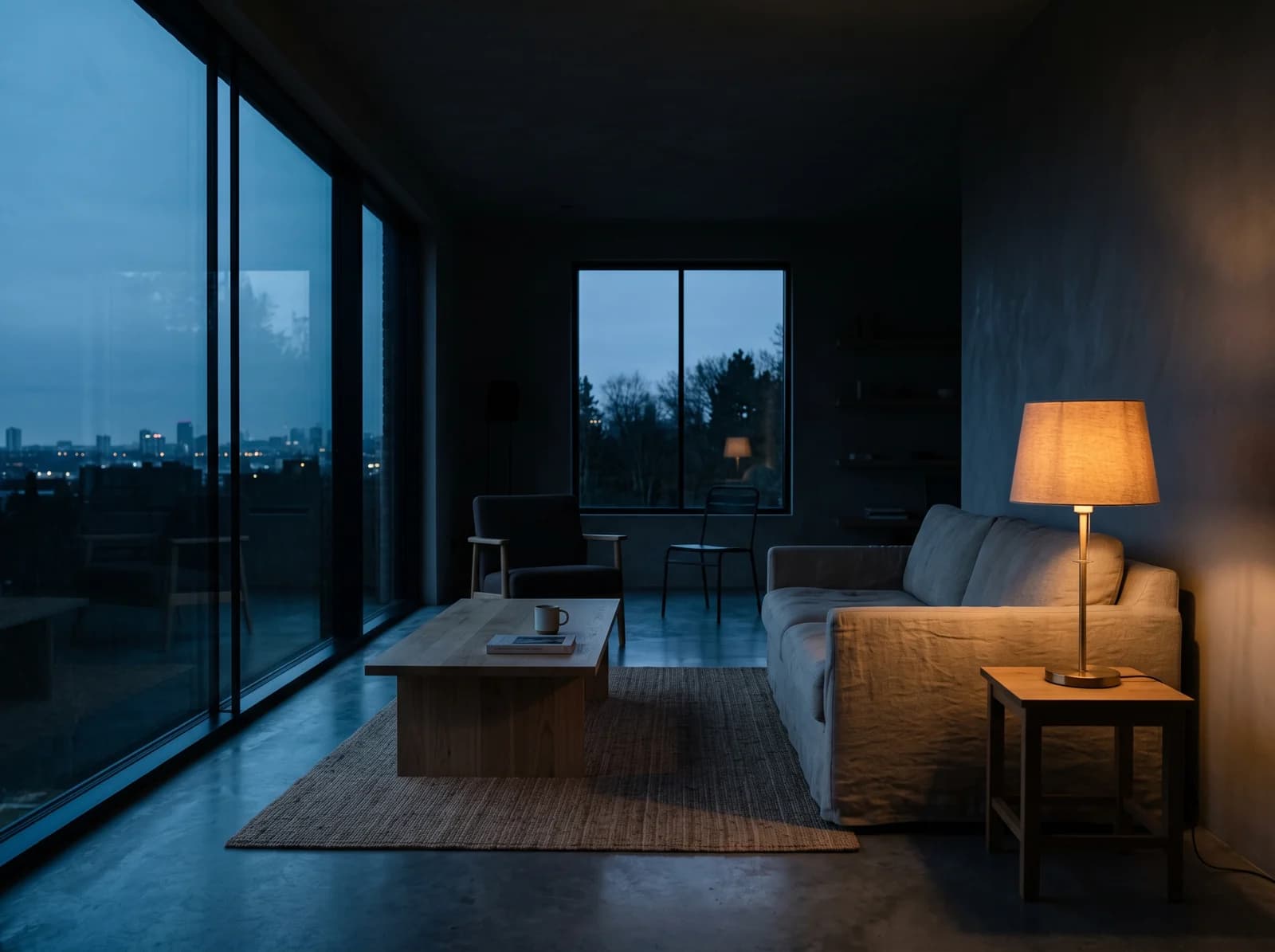

Generate from text, references and past works: covers, product shots, characters, interiors, ads.
Clips from text or image: vertical scenes, ads, camera motion, sound, multiple aspect ratios.
Work history, thousands of templates and reruns — a winning style comes back in one click.
Catalog
Flagship image and video models — switch between them without separate accounts and subscriptions.
 GPT Image 2Image
 Nano Banana 2Image
 Seedream 5.0 ProImage
 FLUX 2 ProImage
 Seedream 4.5Image
 Qwen Image 2Image
 Nano Banana ProImage
 FLUX Kontext MaxImage
 Z-ImageImage
Flagship video modelSeedance 2.5
A regular generation gives you 5–10 seconds, so the clip has to be assembled from pieces. Seedance 2.5 shoots the whole scene — camera movement, changing angles and sound inside a single generation.
From 43 credits per clip
Presentations
Structure, visual direction, slides, PDF previews and an editable PPTX from one brief.
Villa presentation for a buyer. 18 slides: the property, the numbers, the terms.
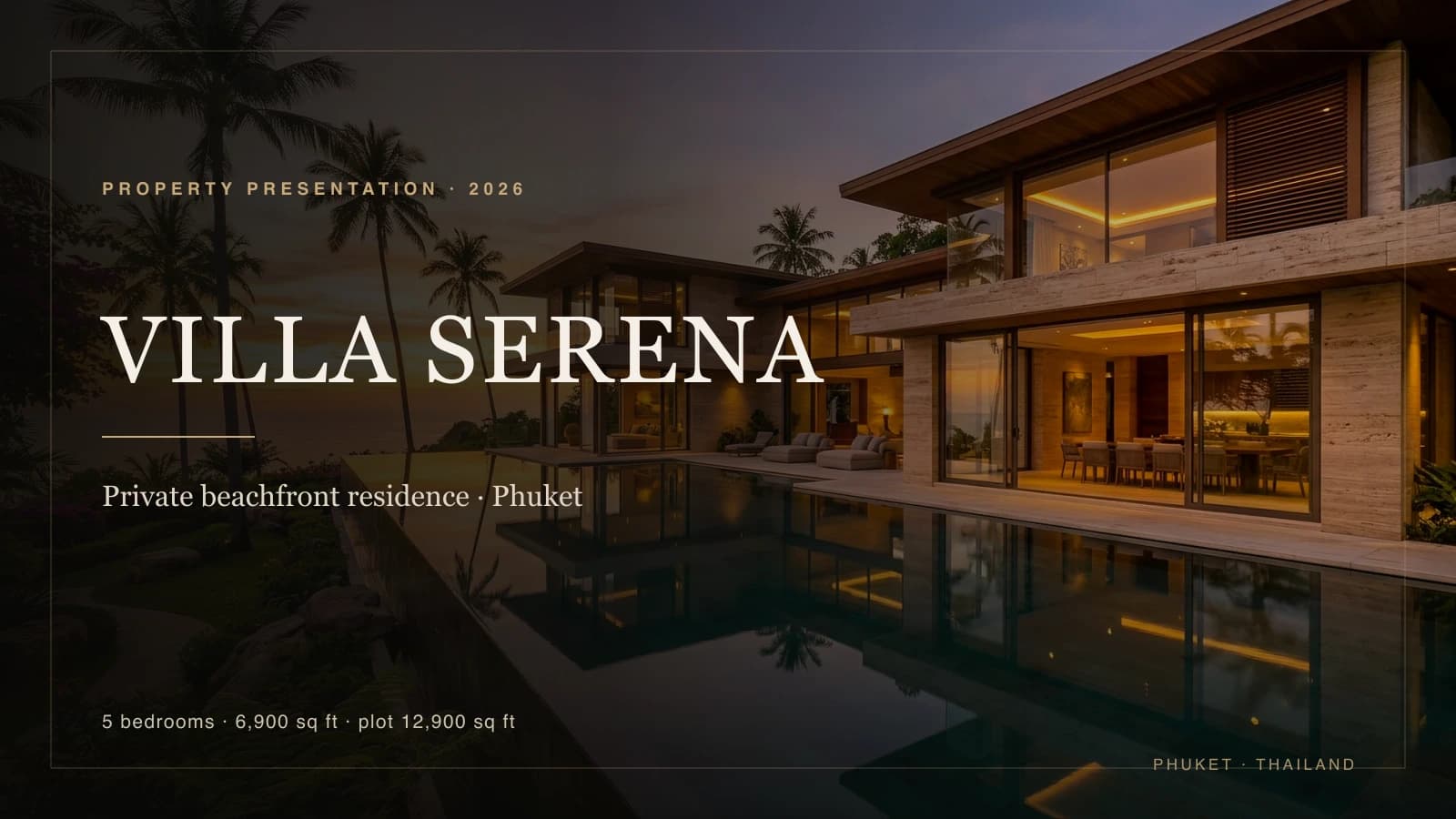
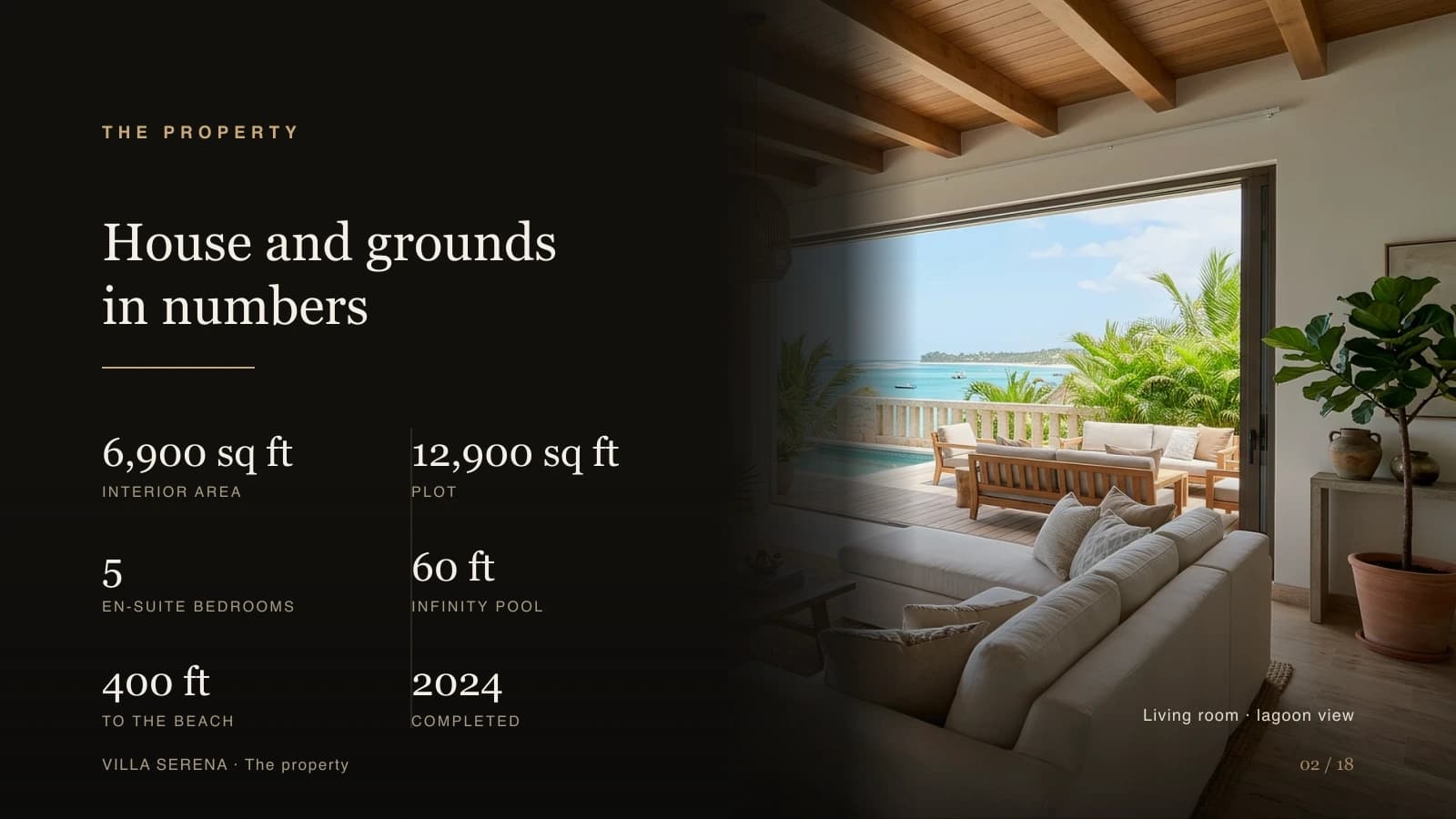
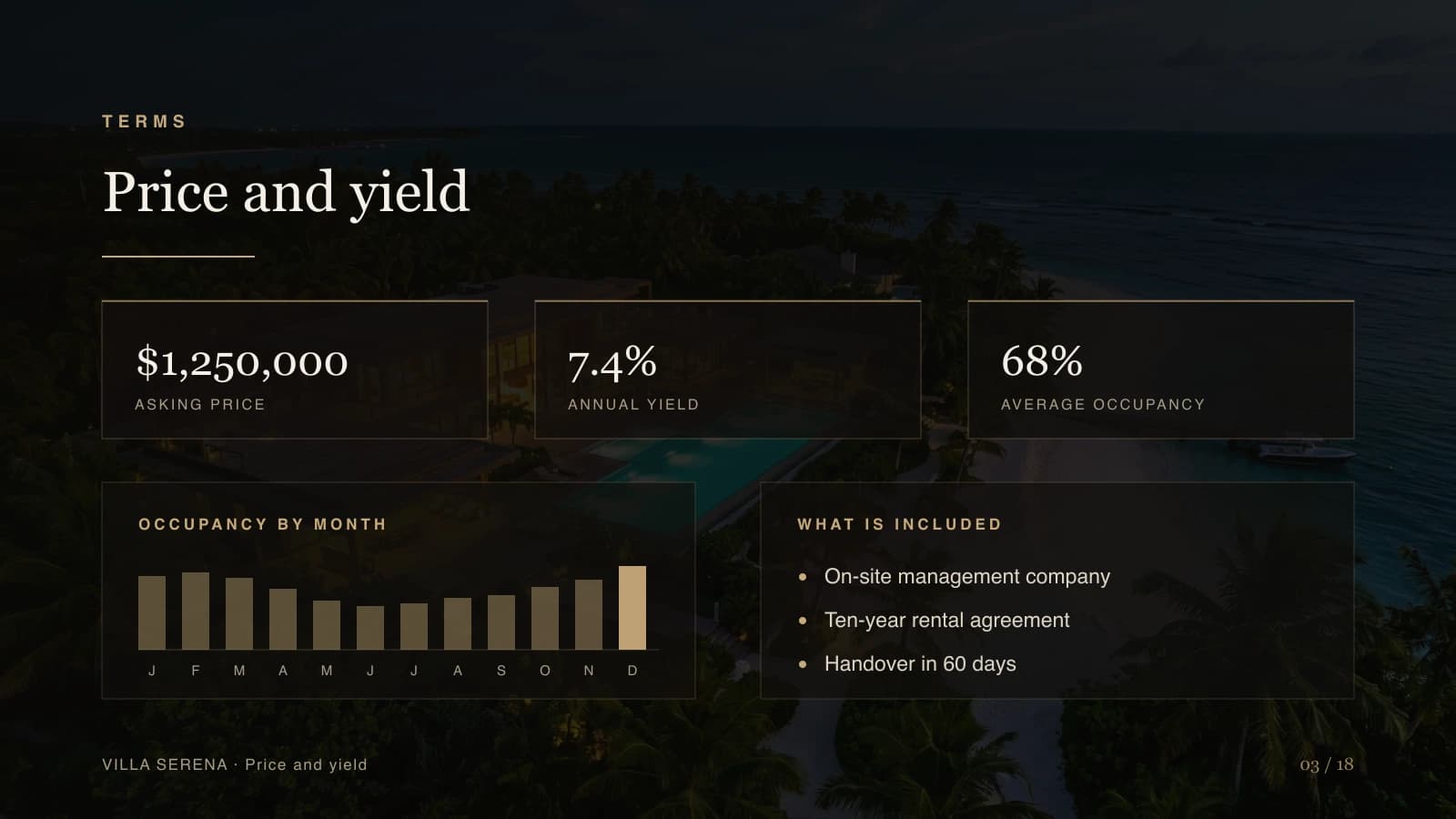
Editable PPTX plus a PDF version for quick team or client review.
PNG previews and ready layouts: cover, sections, bullets, two-column, stats, closing.
Briefs, research or theses become slide structure with their own visual direction.
Full videoBeta
Video Agent turns a brief into a script, generates the scenes, adds voice-over, music and subtitles — and delivers the final MP4.
Goal, audience, format
Structure and copy
Generated fragments
Voice and music
Subtitles and the final MP4



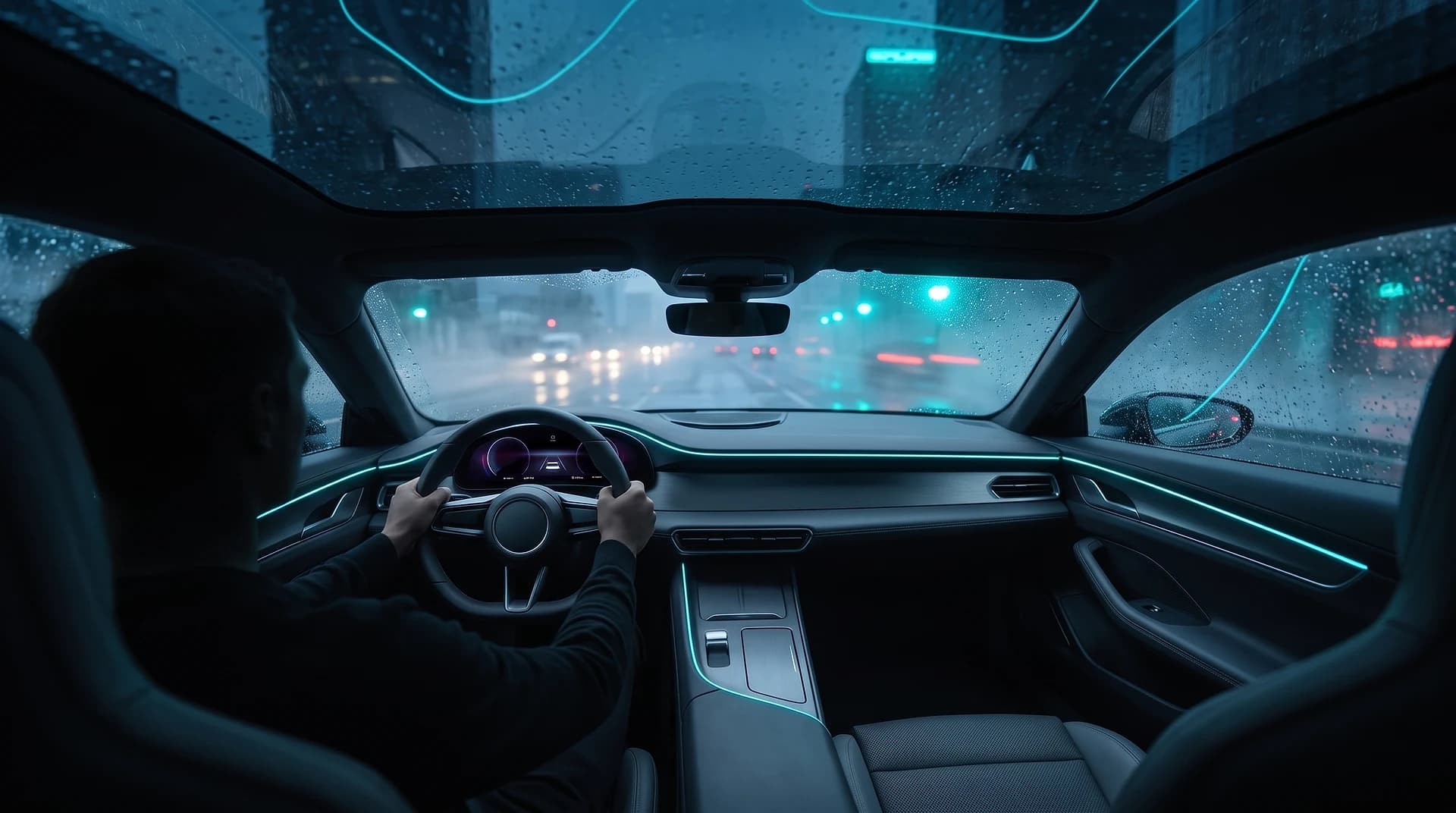

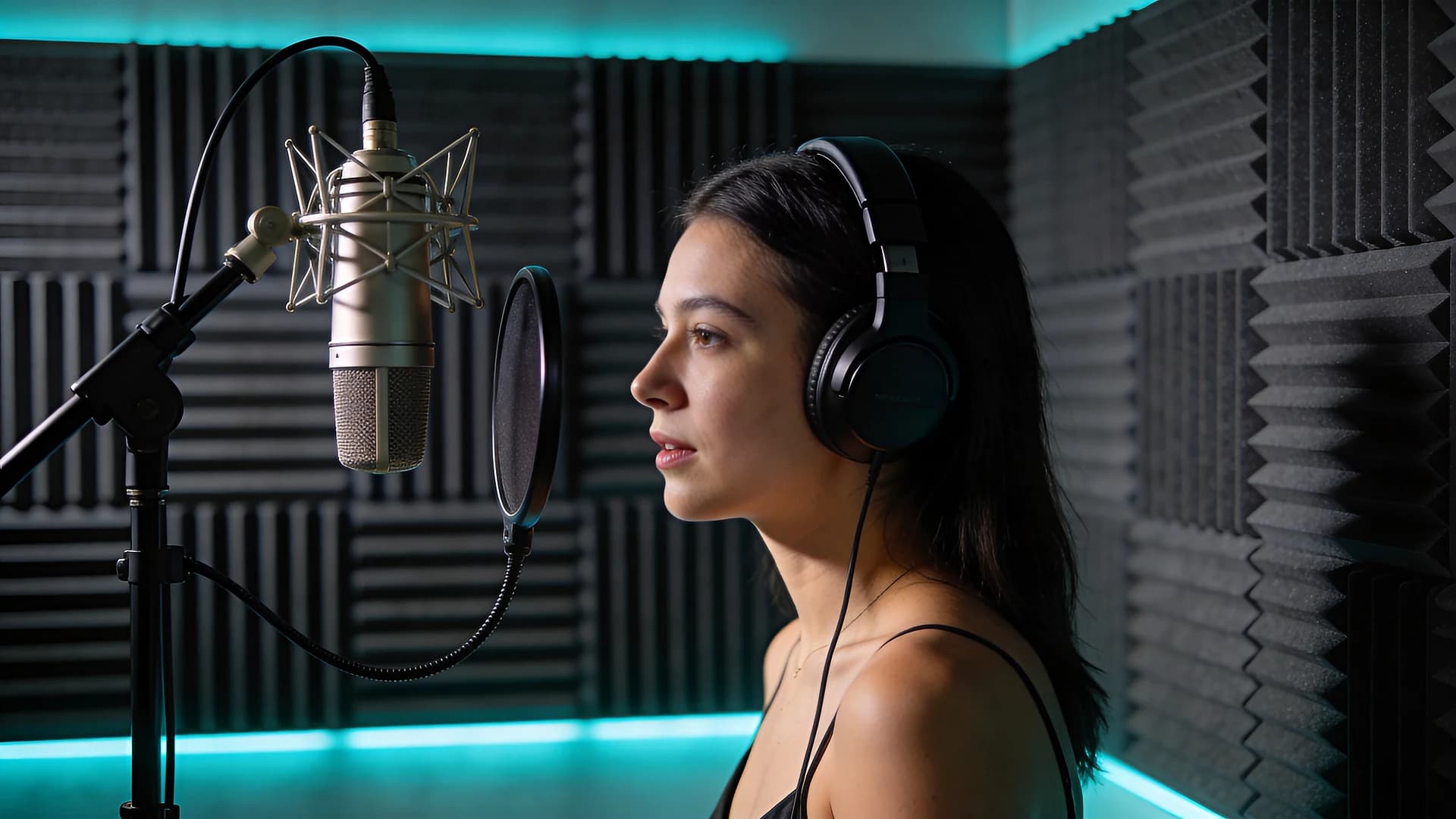
By use case
Behind every tile: the jobs of that niche, sample shots and the route — what photo to start from, which model to use and what comes out.
For business
Image and video generation, unified billing and invoices for your finance team.
Card payment with itemized invoices and receipts — tax handled by our payment processor.
We never use your prompts or generated media to train models, and we do not resell them. Access is limited to your account.
One key to 60+ models, an OpenAI-compatible gateway and an MCP server for agents — no infrastructure of your own.
AI agent
The agent orchestrates the ecosystem: it picks the tool, creates media, builds a deck or a video and returns the result in the format you need.
Attach PDF, DOCX, TXT or MD — the agent reads the text and uses it as source for ideas, prompts and slides.
Uses saved preferences, style notes and product facts — it doesn't start from scratch every time.
Improves the prompt, picks a model, starts image and video generation and returns finished files.
MCP and API
MCP gives agents one clear tool-flow for generation, decks, task status, balance and model discovery.
Documentationclaude mcp add --transport http clipia https://mcp.clipia.ai/mcpAgents discover tools and parameter schemas and call them like regular tool calls.
HTTP MCPImages, video, voice, presentations and final compose — by request_id with wait-for-result.
generate · composeModel catalog, pricing, balance and task status stay inside the agent workflow.
list_models · get_balancePricing
Images, clips, decks, the agent, the API and MCP all draw credits from one balance — no separate subscription per tool. The price of a generation is shown before you launch it: you pay only for what you actually run.
FAQ
Briefly: what Clipia does, what it costs and how to wire the studio into your workflow.
One subscription covering 60+ models for images, video and decks, an agent, and access over API and MCP. Every tool draws credits from the same balance — no separate subscription per service.
One balance for the whole studio, and the price of every generation is shown before you launch it: an image from 1 credit, a video from 10, a deck with four illustrations around 21. Nothing charges more than the interface showed.
By card, with the price shown in your currency. Companies can request consolidated invoicing and a service agreement.
You hold usage rights to generated content under your plan: commercial projects from Standard upwards, personal use on Basic. Anything you upload stays yours. Full terms are in the user agreement.
It helps phrase the prompt, picks a model for the task, reads attached documents, remembers your account context, launches generations and returns links to finished results.
Yes. A deck is assembled from structure and copy through to slides, PPTX, PDF and previews. A whole video from a brief — script, scenes, voice-over, music, subtitles and the final MP4 — runs in Beta: you see the plan and the cost before the render and confirm the launch yourself.
MCP connects Clipia to AI agents and editors — Claude, Cursor and others. The agent calls studio tools directly: creates images, video, audio and decks, checks the balance and waits for jobs to finish.
Yes. There is a public API, an OpenAI-compatible gateway to language models and MCP tools for agent workflows. A single key covers different task types, and usage is visible in the developer console.
Next step
Start in Studio, hand the task to the agent or connect MCP to your AI client — the image, deck or video lands in the same workspace.
Current visual directions — from product macro to fashion clips. Open the library and adapt any approach to your project.


